Sign in with your U of T email
Verify your student email with a six-digit code. No password needed.
Click anywhere, scroll down, or press Space to continue to TPortal.
tPortal is a FREE desktop app for U of T students. Deadlines, timetable, class prep and campus events from Quercus and ACORN. Updated every 15 minutes.
Windows beta · unsigned. Expect “Unknown publisher.” If you trust this download, choose More info → Run anyway in SmartScreen. Smart App Control has no one-time override; see safer options.
Mac: Open the .dmg and drag tPortal to Applications. Apple-signed and notarized.

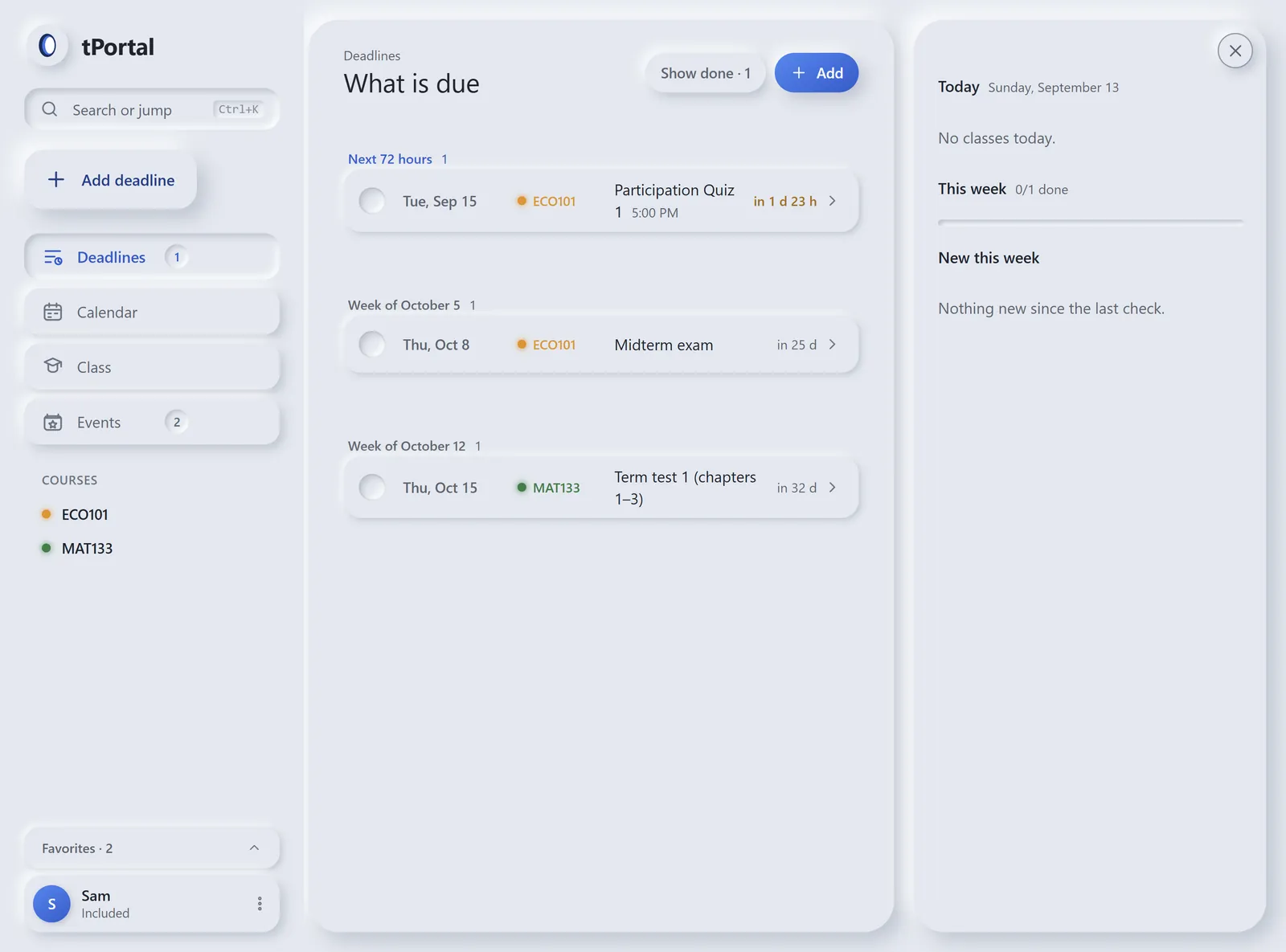
See what is overdue, due next and coming later. Tick off work as you finish.
Verify your student email with a six-digit code. No password needed.
Quercus › Account › Settings › + New access token. Read-only access to your courses and files. Tokens expire after 90 days; tPortal reminds you.
ACORN › Timetable & Exams › Download Calendar Export. Import it to see your classes and what to prepare.
Two different Windows protections can stop an unsigned beta. Check which message you see before deciding what to do.
This is SmartScreen. Only if you trust this download, click More info, then Run anyway. This lets the unsigned installer run despite the warning. You can use the demo instead.
This one has no one-time override. Windows warns that turning Smart App Control off cannot be undone without reinstalling Windows. We do not recommend disabling a permanent Windows protection just to install this beta.
Use the interactive demo instead. A signed build will be offered here when it is available.
On your computer, in a tPortal folder under Documents. Your Quercus token is encrypted with the operating system's keystore. Nothing about your courses is uploaded to us.
No. tPortal is built by students and is not affiliated with the University of Toronto or with Quercus.
Yes. tPortal is 100% free.
No. It reads with a personal access token you create in your Quercus settings, and it only reads. Marking something done in tPortal stays in tPortal.
University of Toronto students. You sign in with a utoronto.ca or mail.utoronto.ca address and a six-digit code; there is no password to remember.
Yes. Download the Apple-signed and notarized Mac beta at the top of this page, open the disk image and drag tPortal to Applications.
Not unless you connect your own Claude account in Settings. Without one, tPortal shows what Quercus says, word for word, and every screen works the same.